Import Landmark Standard 29 Format
Project > Import > Landmark Standard 29 Format
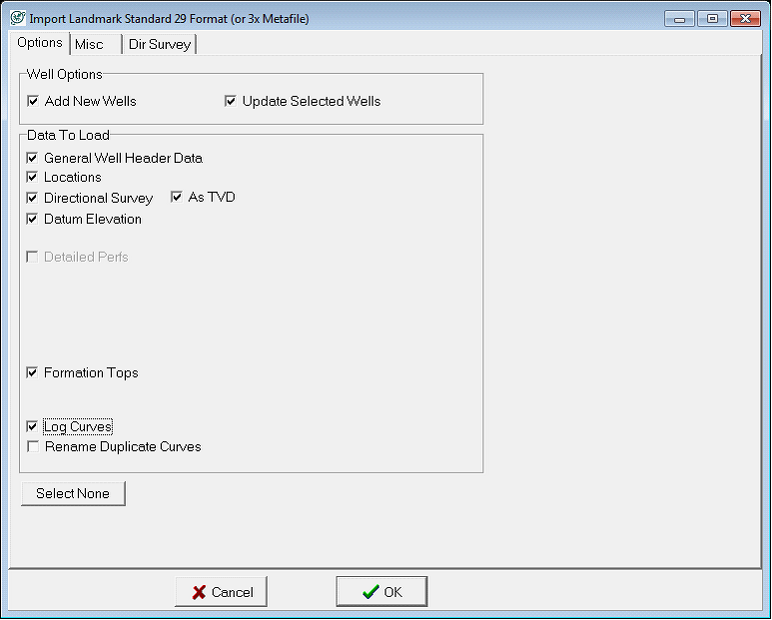
The Landmark Standard 29 format is a well data format associated with Landmark interpretation software. Standard 29 files are almost always exported from a preexisting Landmark project, rather than provided by data vendor. A Standard 29 file is a defined format that includes well header data, tops, curves, location information, and directional surveys. Petra stores this information in the project database.Options tabThe Options tab controls which data is brought into the project, as well as how Petra loads overlapping data between the project and the imported file.
Options tab
|
Well Options |
These boxes govern whether the importer adds new wells, or updates selected wells already in the project database. |
|
General Well Header Data |
This option imports general well header data, which includes well names and numbers. |
|
Locations |
This option imports location data from the file. |
|
Directional Survey |
This option imports directional survey data from the standard 29 file. Note that directional surveys can be brought in as TVD as well |
|
Datum Elevation |
This option imports well reference datum. This is most often used to calculate top SS values. |
|
Detailed Perfs |
This option imports perf information from the file. |
|
Formation Tops |
This option imports the formation tops from the file. |
|
Log Curves |
This option imports digital log curves from the file. The Rename Duplicate Curves option adds a _1 suffix to repeat curves. |
Misc tab
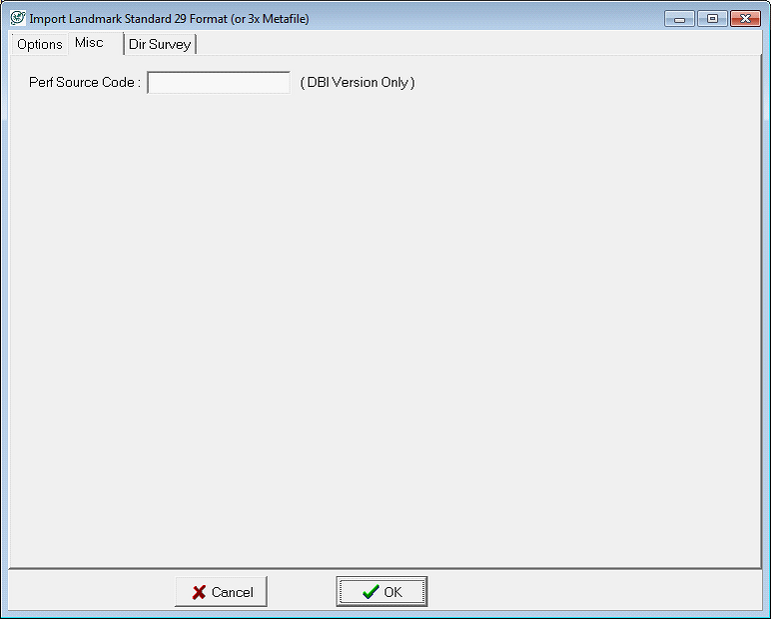
The Misc tab sets the source code for perfs loaded from the Standard 29 file. By default, the source code is blank.
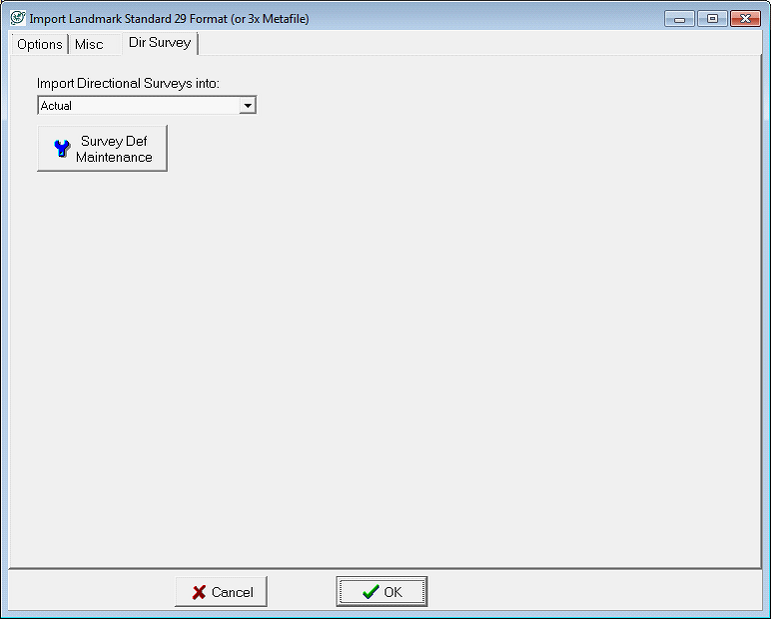
Dir Survey tab
This tab sets the location of directional surveys from the 297 file. By default, Petra can load the directional surveys into Actual or Planned, although you can change the survey definitions with the Survey Def Maintenance button.