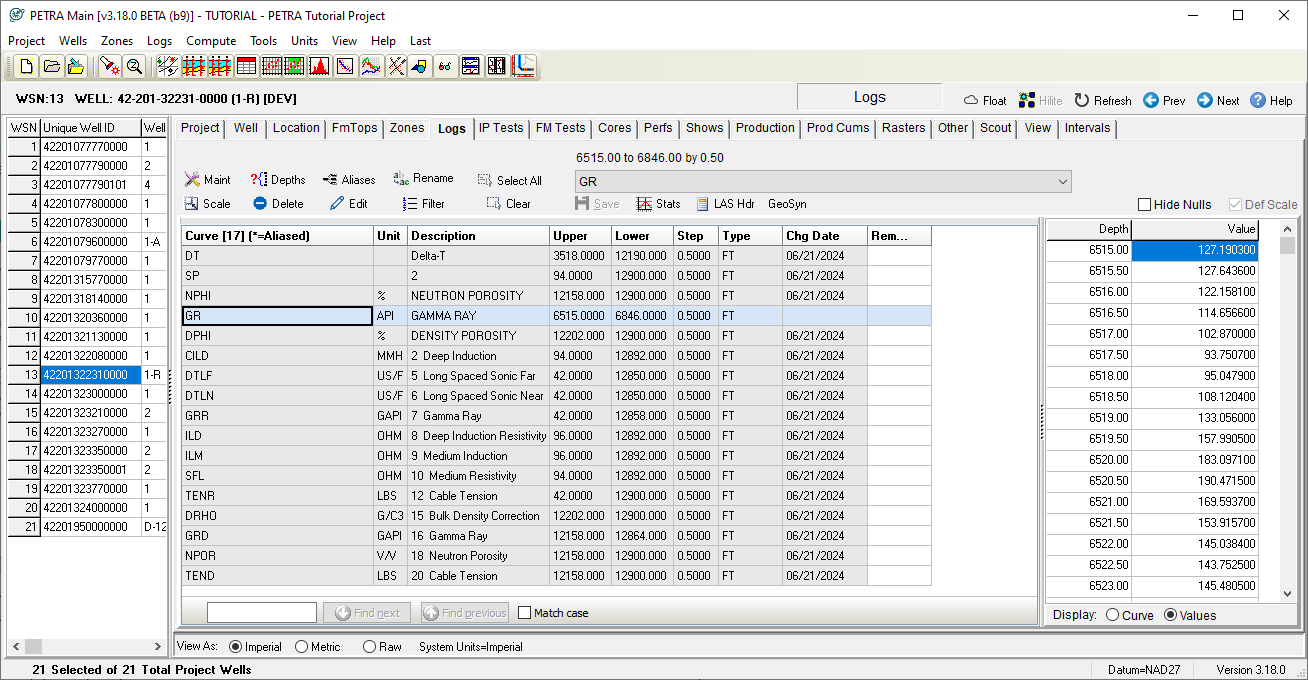
Logs tab
The Logs tab displays and modifies the digital log curves for the selected well. The log tab screen provides options pertaining to the well logs for the current well. All available logs for the well are listed and can be selected. The selected lops can then be viewed graphically by clicking the Preview button. Additionally, the log values (digits) can be edited by choosing the log name from the drop down list box. The Depths option can be used to filter the logs for previewing or editing.