Production Normalization Ratios tab |
|
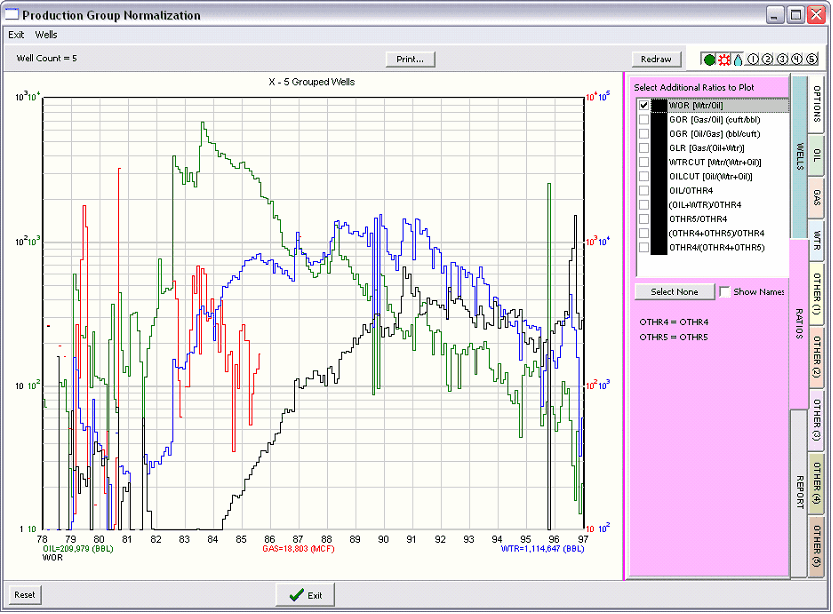
The Ratios tab contains a series of ratios that are be automatically calculated and plotted on the graph in addition to the production stream data. To toggle the display of the selected ratios on the plot, use the X/Y button on the far right of the
Wtr/Oil Gas/Oil Oil/Gas Gas/(Oil + Wtr) Wtr/(Wtr+Oil) Oil(Wtr+Oil) Oil/Othr4 (Oil+Wth)/Othr4 Othr5/Othr4 (Othr4 + Othr5)/Othr4 Other4/(Other 4+Othr5) To change the color of the ratio as plotted on the chart, click the color box immediately to the right of the ratio's description. Select None This button deselects all ratios so that they are no longer plotted. Show Names This option replaces the Othr4 and Othr5 listed in the ratio listing with Other4&5's selected production streams. This makes selecting the proper ration easier. |